Valheim storage chests: color-code signs without mods
 James Whitfield
2 min read
James Whitfield
2 min read

Valheim offers a built-in feature for customizing sign text that many players overlook: the ability to add colors and formatting to signs without requiring any mods. This handy tool makes organizing storage chests far easier by allowing players to visually distinguish different storage areas through colored text.
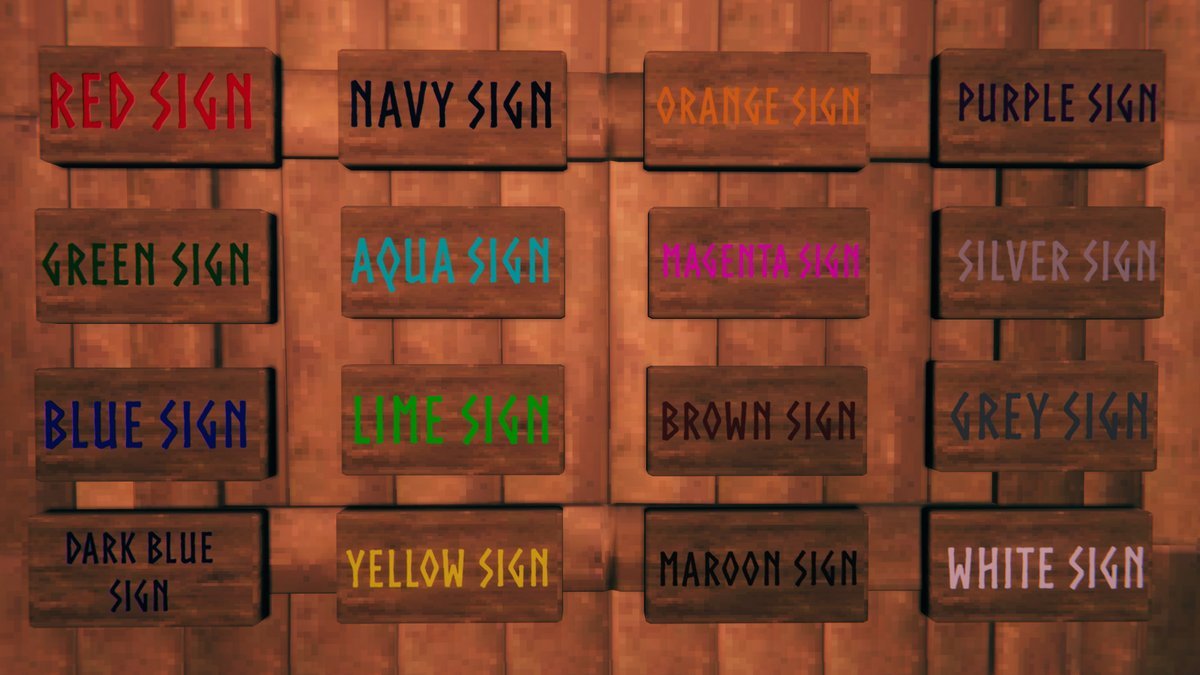
The customization system relies on markup codes similar to HTML formatting. Players can change sign text color using six-digit hexadecimal values, which gives access to millions of color options. For those wanting to use simpler color names instead of hex codes, Valheim supports direct color references—though the syntax differs slightly. When using a color name rather than a hex code, players should replace the hash symbol with the word “color=” followed by the color name in brackets. For example, typing `<color=red>Red sign` will display the text in red without needing the traditional hex format.
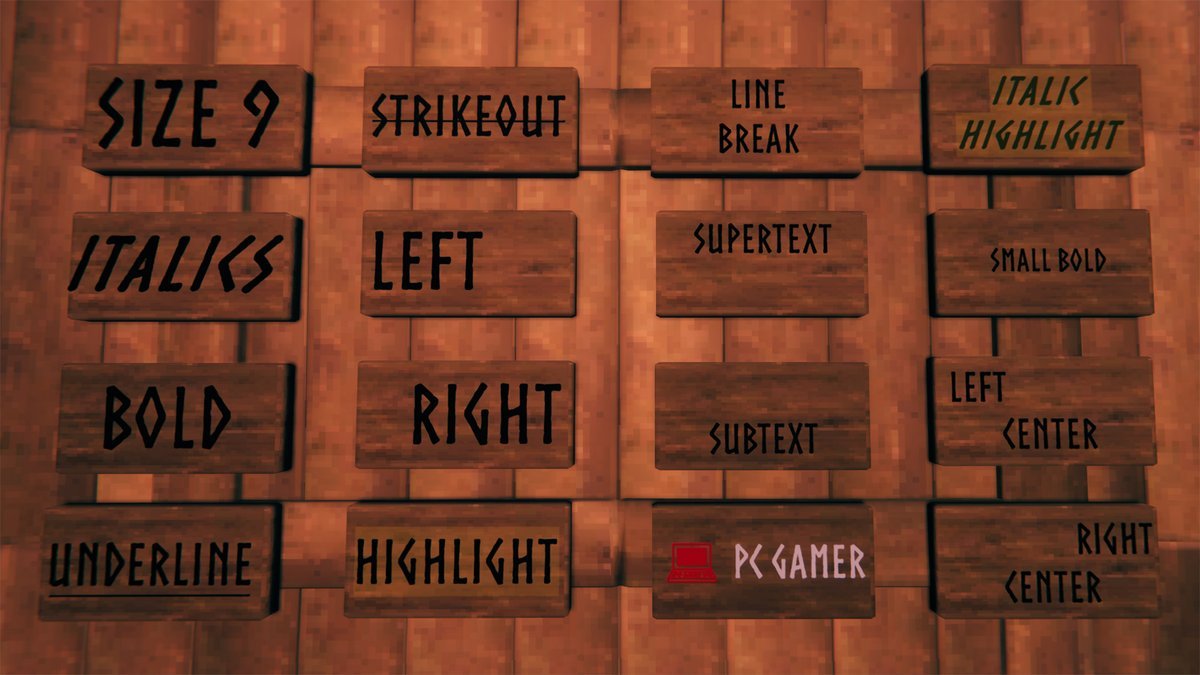
Beyond basic colors, the markup system supports additional text styling options drawn from Unity’s formatting guide, which Valheim implements natively. Players can combine multiple formatting codes simultaneously to create bold, italicized, or enlarged text in various colors. This allows for creative sign designs that go beyond simple color-coding, enabling players to emphasize certain storage categories or create visually distinct labels throughout their bases.
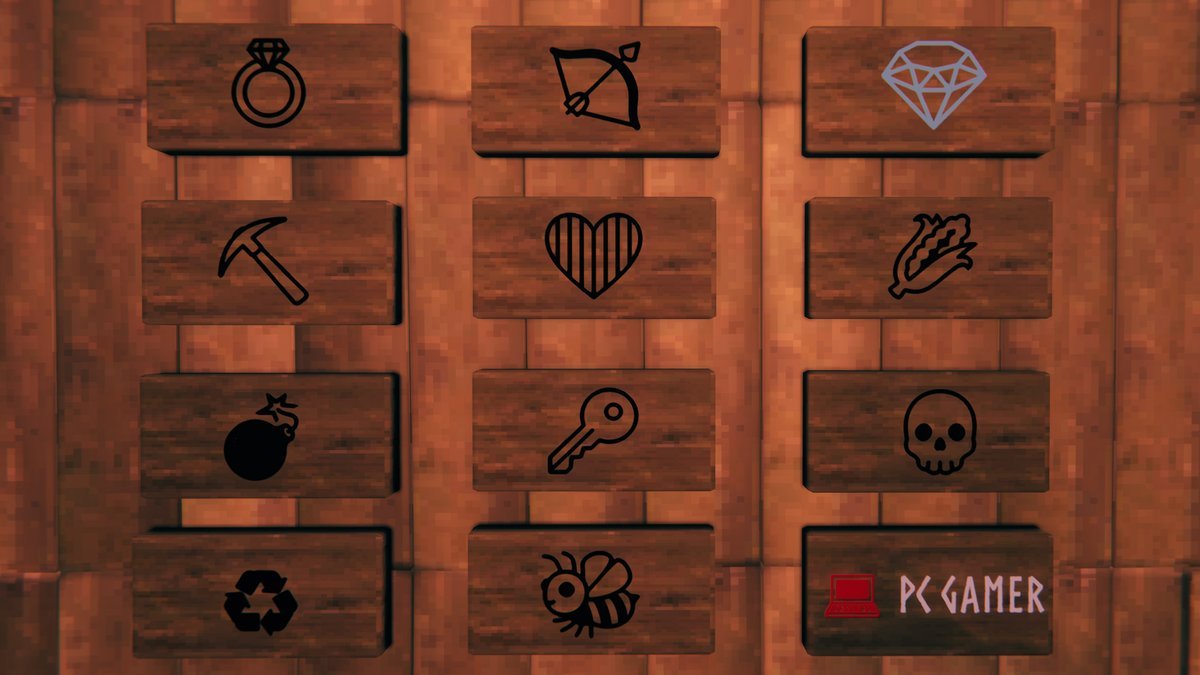
For those wanting to push customization further, Valheim also supports Unicode characters on signs. These special symbols can add visual flair to storage labels, though not every Unicode character functions properly in-game. Players experimenting with Unicode should test characters before committing them to important signs.
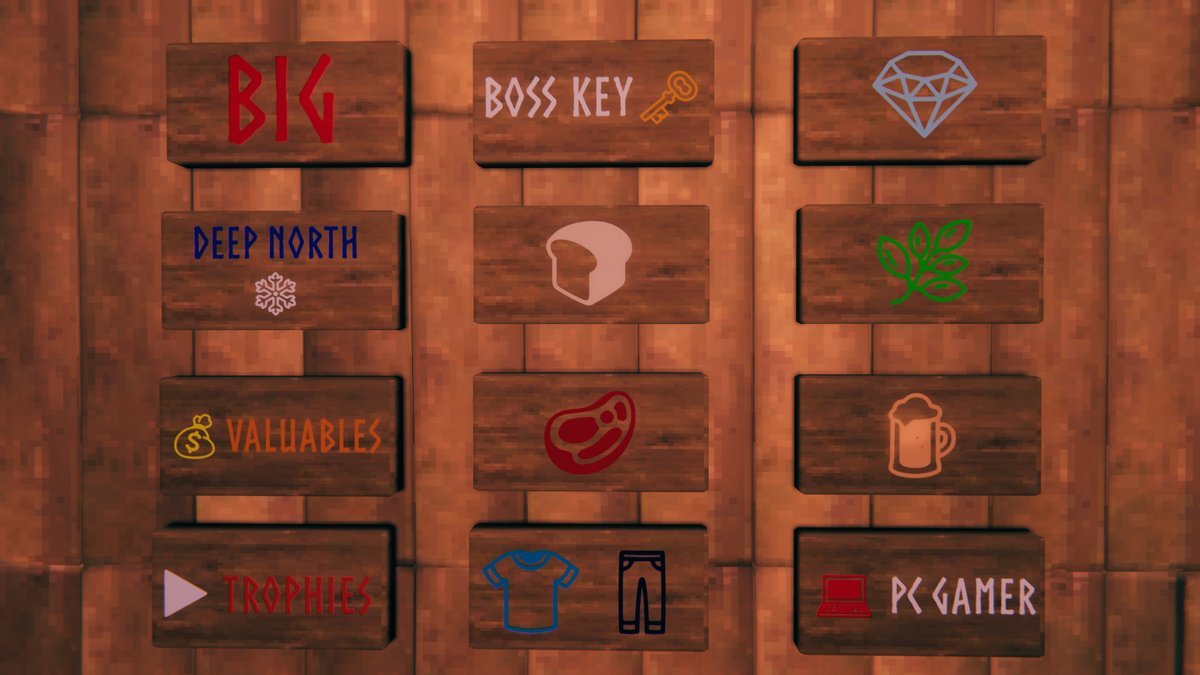
One critical limitation to keep in mind is the 50-character text limit on signs. This constraint means players should keep their color codes and formatting relatively brief to avoid having text cut off awkwardly or appearing misaligned on the sign itself. Testing different combinations beforehand helps ensure the final result displays correctly.
The feature requires no external downloads or mod installations, making it immediately available to all players. This native functionality has made it a popular choice for organizing large storage operations, particularly when managing multiple chest types across different biomes or base sections. Players looking to implement this system should experiment with different color combinations and formatting styles to find an organizational scheme that works best for their playstyle.