
Four Smart Home Projects to Try on Raspberry Pi
 James Whitfield
3 min read
James Whitfield
3 min read
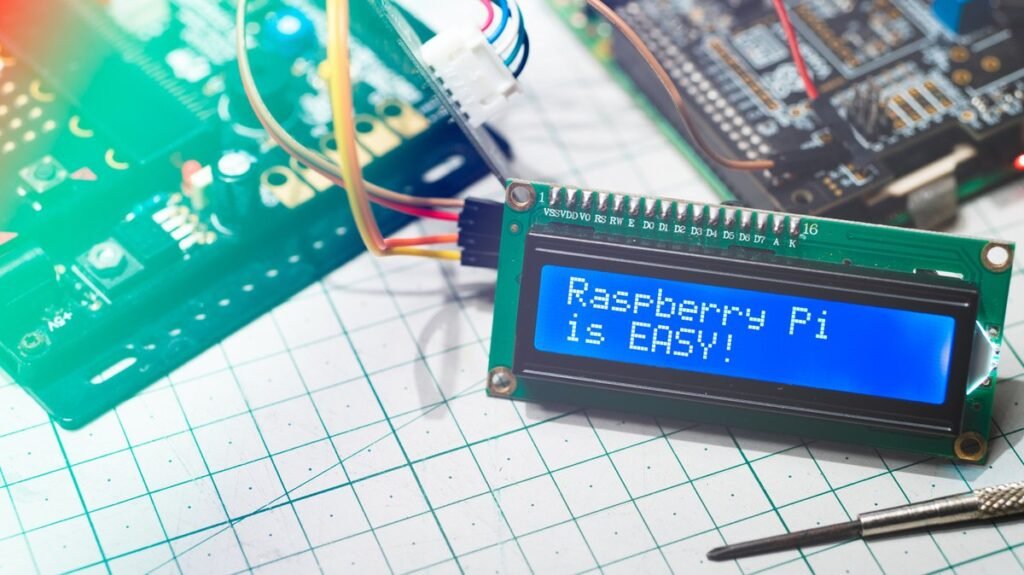
Home Assistant, a free open-source platform, unlocks numerous automation possibilities when running on a Raspberry Pi. The software integrates devices from different manufacturers and uses triggers like location data, power consumption, NFC tags, and device state changes to automate routines. With over 1,500 available integrations and no subscription requirements, it offers flexibility for users looking to build a personalized smart home.
Getting started requires minimal hardware investment. Home Assistant OS officially supports Raspberry Pi 4 and Pi 5 models with at least 2GB of RAM and a 32GB microSD card. The software itself is free, though optional services like Home Assistant Cloud carry additional costs. Once installed, users can explore creative automation projects that go far beyond basic light switching.
Physical Media Collections with NFC Tags
NFC technology offers a tactile alternative to endless streaming menu scrolling. Home Assistant can use NFC tags as automation triggers, allowing users to assign individual stickers or cards to specific albums, playlists, or movies. Scanning a tag through the Home Assistant app initiates the corresponding action without requiring any coding knowledge, thanks to the platform's visual editor interface.
More advanced setups use dedicated NFC readers placed in different rooms. The same tag can trigger different actions depending on which reader scans it, enabling context-aware automations. Some enthusiasts have built custom 3D-printed movie players using an ESP32 microcontroller and NFC reader, with physical cartridges that launch movies through Plex when inserted. However, basic implementations work perfectly well with just NFC cards and a smartphone.
Bedtime Routines Triggered by Phone Charging
A phone charger can serve double duty as a smart home trigger. Home Assistant's Companion app detects when a phone is charging, allowing users to create bedtime automations that activate when the device plugs in. Combined with conditional logic based on time and location, the system can turn off lights, lower smart blinds, adjust thermostats, or disable forgotten devices downstairs.
Conditions are essential to prevent midday charging from triggering evening routines. Android devices provide charging information directly through Home Assistant sensors, while iPhone users can set up iOS Shortcuts automations for immediate triggering. This project often requires no additional purchases if users already have compatible smart home devices connected to their Home Assistant setup.
Appliance Notifications via Power Monitoring
Older appliances without built-in connectivity can join the smart home through power-monitoring smart plugs. Home Assistant tracks electricity consumption patterns and uses significant drops in power draw as indicators that a cycle has completed. A washing machine, for example, consumes substantial power during operation before returning to minimal idle consumption when finished.
When Home Assistant detects the power level remaining low for a sufficient duration, it sends a notification to the user's phone. This approach works equally well with dishwashers, rice cookers, and coffee makers that have predictable power consumption patterns. The key is monitoring individual devices rather than applying generic wattage thresholds, since appliances have unique idle power signatures. Users must select an energy-monitoring smart plug rated for their specific appliance's power requirements.
Location-Based Shopping List Reminders
Home Assistant can trigger notifications based on arrival at saved locations like grocery stores. The Companion app detects when a user enters a designated zone and can display a shopping list notification with direct access to the list. This eliminates the common problem of forgetting a shopping list exists until already in the store.
The automation can be customized extensively, with different stores triggering different notifications or remaining silent if the list is empty. Home Assistant Cloud subscription is not required for this feature, though the phone must communicate with the Home Assistant setup when away from home. Users should consider privacy implications since location-based automations require location data sharing. The Companion app offers options to restrict what information it shares, and a Zone Name Only setting provides a middle ground for those concerned about sharing exact coordinates for basic reminders.