
Best Mods for Phantom Blade Zero on PC
 James Whitfield
2 min read
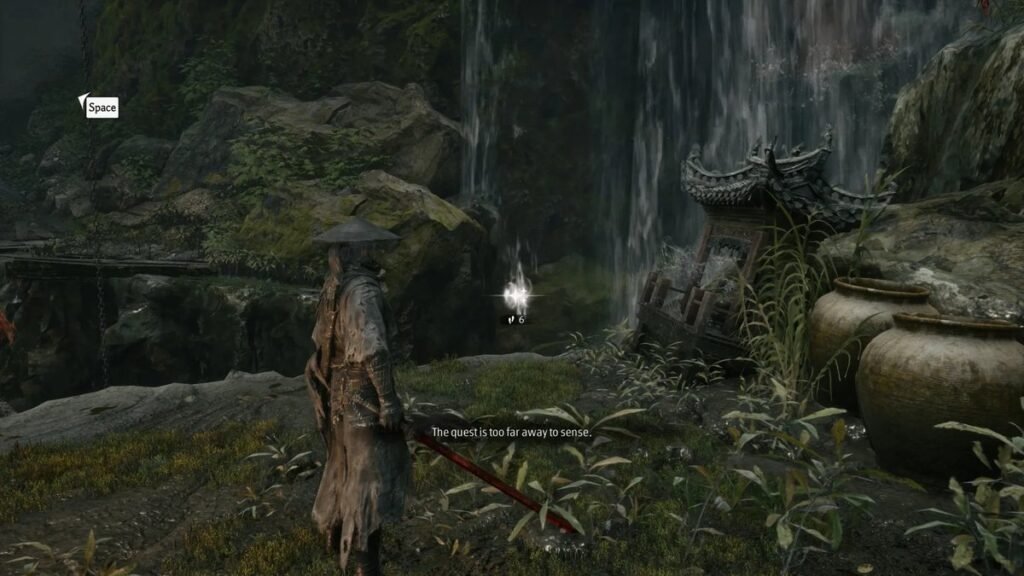
The action-focused combat in Phantom Blade Zero works well out of the box, but the PC modding community has created several enhancements that significantly improve the overall experience. Whether you want to adjust difficulty, streamline exploration, or boost combat feedback, a range of mods are available to tailor the game to your preferences.
Installing mods in Phantom Blade Zero is straightforward for most players. Begin by creating or logging into an account on Nexusmods.com, a popular hub for game modifications. Navigate to the Files section and select either Manual Download or use a mod manager if you prefer automated installation. Most mods require extracting files into the game's directory at \steamapps\common\PBZ\ProjectPBZ\Content\Paks~mods on Windows, though you'll need to create the "~mods" folder first if it doesn't exist. Some modifications also depend on UE4SS, a modding tool that should be placed in the PBZ/platform/steam/ue4ss/Mods folder. Always check the installation instructions included with each mod, as requirements can vary.
One popular mod transforms Phantom Blade Zero into a Souls-like experience for players seeking greater challenge and mechanics reminiscent of FromSoftware games. This modification introduces enemy respawns, a death penalty system where you drop resources that must be recovered, multi-phase boss encounters that reset to their opening stages, and other genre-defining mechanics. It's ideal for those who want a more punishing, methodical approach to combat.
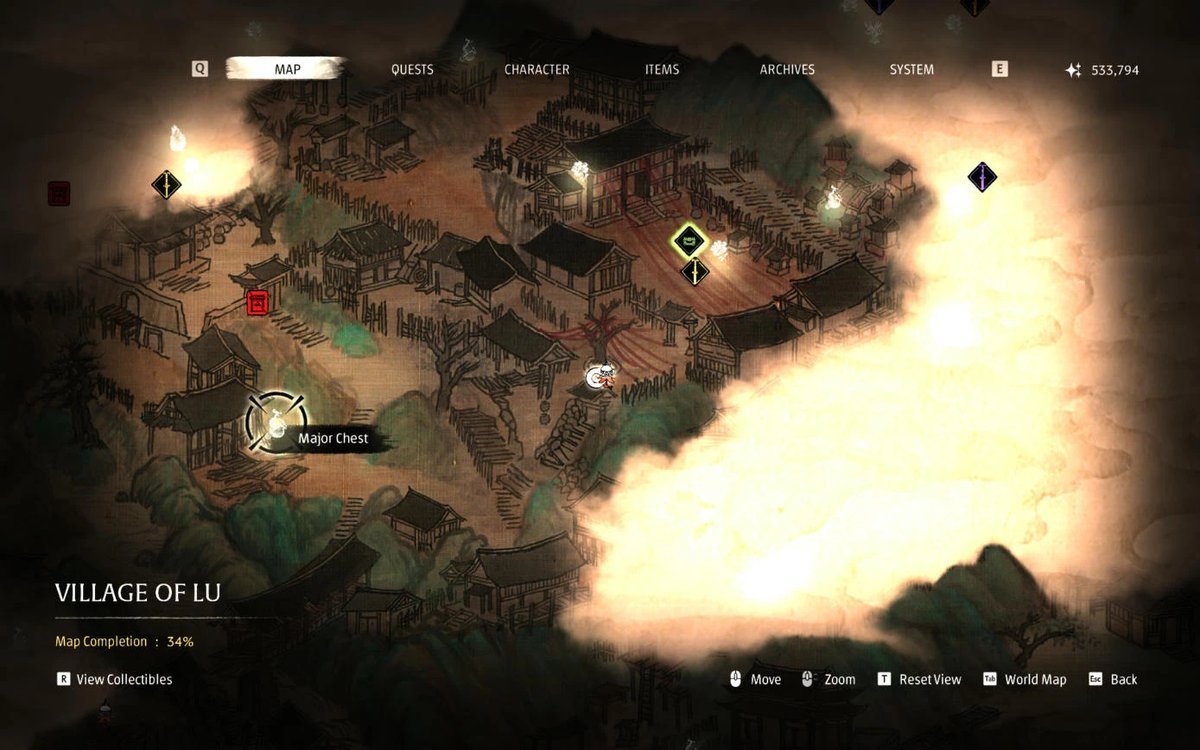
Finding every collectible scattered throughout the game world can prove frustrating without proper guidance. A dedicated mod addresses this by displaying all collectible locations directly on your map, including Black Stones, Memory Flowers, quest objectives, and large chests. This eliminates tedious searching and helps completionists locate items efficiently without missing hidden passages.
Several players have noted that combat impacts feel underwhelming, affecting both the satisfaction of landing hits and receiving them. A widely-used mod enhances this aspect by increasing weapon impact force, making parries more noticeable, improving posture-break visual effects, and clarifying the distinction between red and blue attacks—a helpful distinction as you progress further into the game.
Fast travel in Phantom Blade Zero normally requires returning to a bell or consuming limited talismans, which becomes tedious during exploration or collectible hunting. A quality-of-life mod removes these restrictions, allowing free teleportation anywhere at any time without resource consumption or arbitrary limitations.
The game's weapon upgrade system requires downgrading weapons to recover components for other upgrades, which discourages experimentation. A resource multiplier mod addresses this by increasing the materials you obtain, offering adjustable multipliers for both general resources and merchant prices. This lets you experiment with different weapon builds and progression paths more freely, with customizable difficulty settings to match your preferred pace.