
Why Regular Restarts Benefit Your Gaming Handheld
 James Whitfield
2 min read
James Whitfield
2 min read
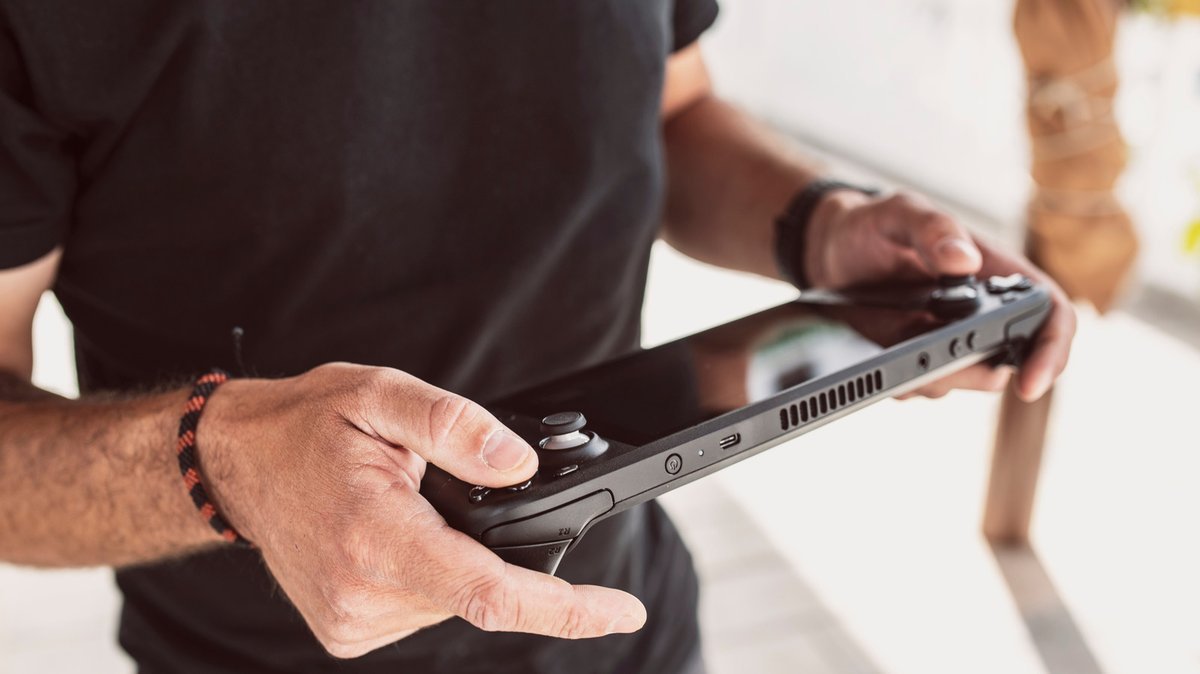
Gaming handhelds like the Steam Deck and ROG Ally run full PC operating systems under the hood, which means the classic tech support advice to restart your device remains just as relevant as it is for traditional computers. Despite their portable form factor, these systems operate on the same principles as desktop PCs, making regular restarts a surprisingly effective maintenance habit.
The benefits of restarting a gaming handheld go beyond simple troubleshooting. A restart can resolve various performance problems, including game crashes, frame rate drops, lag, and audio glitches. Valve itself recommends restarting as one of the first troubleshooting steps on the Steam Deck support page, underscoring how effective the practice is. While a restart won't cure every issue, it clears accumulated background processes and gives the system a fresh operational state.
One key advantage of regular restarts involves memory management. As you use your handheld, the device's RAM fills with data from running games and applications. Some software fails to properly release memory after closing, or continues leaking memory even after you've exited it. These memory leaks accumulate over time and gradually slow down your device's performance. Regular restarts flush this buildup and prevent performance degradation before it becomes noticeable.
Another often-overlooked benefit relates to software updates. When your handheld receives updates containing bug fixes, security patches, and performance improvements, a restart ensures these changes fully integrate into your system. By making restarts a habit, you guarantee that your device consistently benefits from the latest improvements. Additionally, restarting can resolve minor software glitches before they escalate into freezes or crashes that interrupt your gaming.
Powering off your handheld provides identical benefits to restarting, since the process is essentially the same. Hibernation mode differs significantly—it preserves your exact session state to storage and resumes with minimal battery drain, but it doesn't provide the memory-clearing and update-integration benefits of a full restart or shutdown. Powering down or hibernating your device when not in use is particularly important if you're storing it in a bag or case with limited ventilation, as this prevents overheating.
You don't need to restart your gaming handheld constantly. There's no universally prescribed frequency, but restarting once every few days or at least weekly provides a good baseline. This modest maintenance routine keeps your device running smoothly without requiring excessive downtime, making it a simple habit worth adopting for any handheld gaming enthusiast.